
Sample File
·
xlsx DOCUMENT
·
16.5 KB
·
0 downloads
·
Oct 31, 2026
XLTips 30 Minute Pivot Practice Beginner
XLTips_30_Minute_Pivot_Practice_Beginner.xlsx
Format: XLSX
•
Size: 16.5 KB
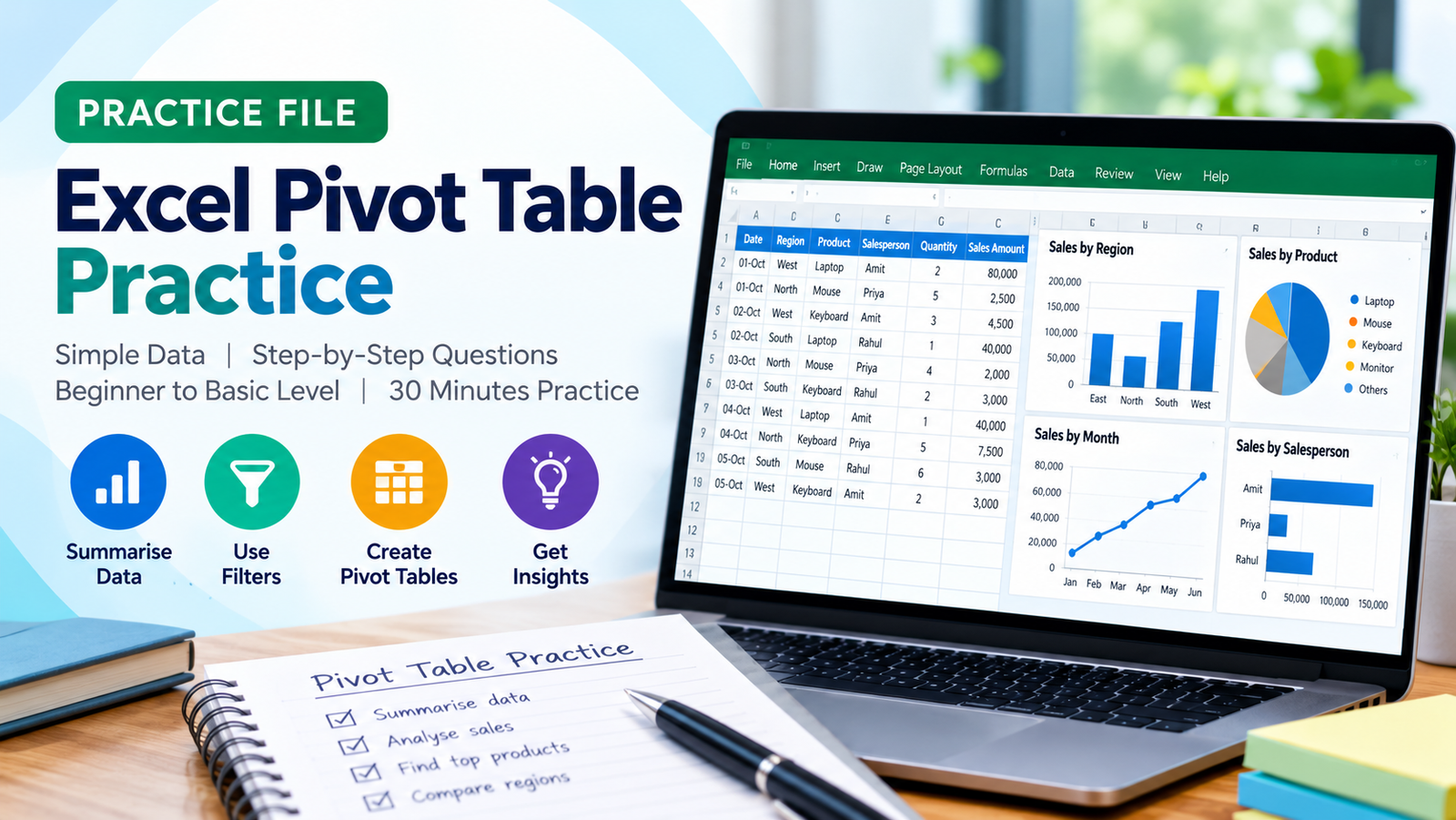
About This Resource
Excel Pivot Table – 30 Minutes Practical Exercise
Learn how to analyse and summarise sales data using Microsoft Excel Pivot Tables through this hands-on practical session.
This beginner-friendly exercise is designed to help you understand Pivot Tables by working with simple, real-world sales records.
What You Will Practise:
Create your first Pivot Table.
Summarise sales by salesperson and region.
Analyse product-wise sales and quantities.
Calculate average sales and count records.
Compare regions and products.
Apply basic filters and sorting.
Analyse multiple values in one Pivot Table.
Practice Details:
Duration: 30 Minutes
Level: Beginner to Basic Intermediate
Software: Microsoft Excel
Format: Practical, step-by-step exercises
Total Questions: 10
Learning Outcome:
By completing this exercise, you will understand how to create Pivot Tables, organise data, generate summaries and extract useful business insights without manually calculating totals.
Instruction: Open the Practice Data sheet and complete the questions in the Practice Session sheet. Try solving the exercises independently before checking the answers.
Verified Safe & Clean
Free & Unrestricted Access
Institutional Formula Standard
Recommended Companion Course
Learn to build this from scratch
Excel Fundamentals for Beginners
Master the step-by-step methodology behind this workbook with comprehensive video lessons and exercises.