
excel productivity
·
2 MIN READ
·
October 26, 2026
10 Excel Shortcuts That Save Time at Work
Ha
Harshad Patel
Chief Academic Officer & Master Financial Modeler
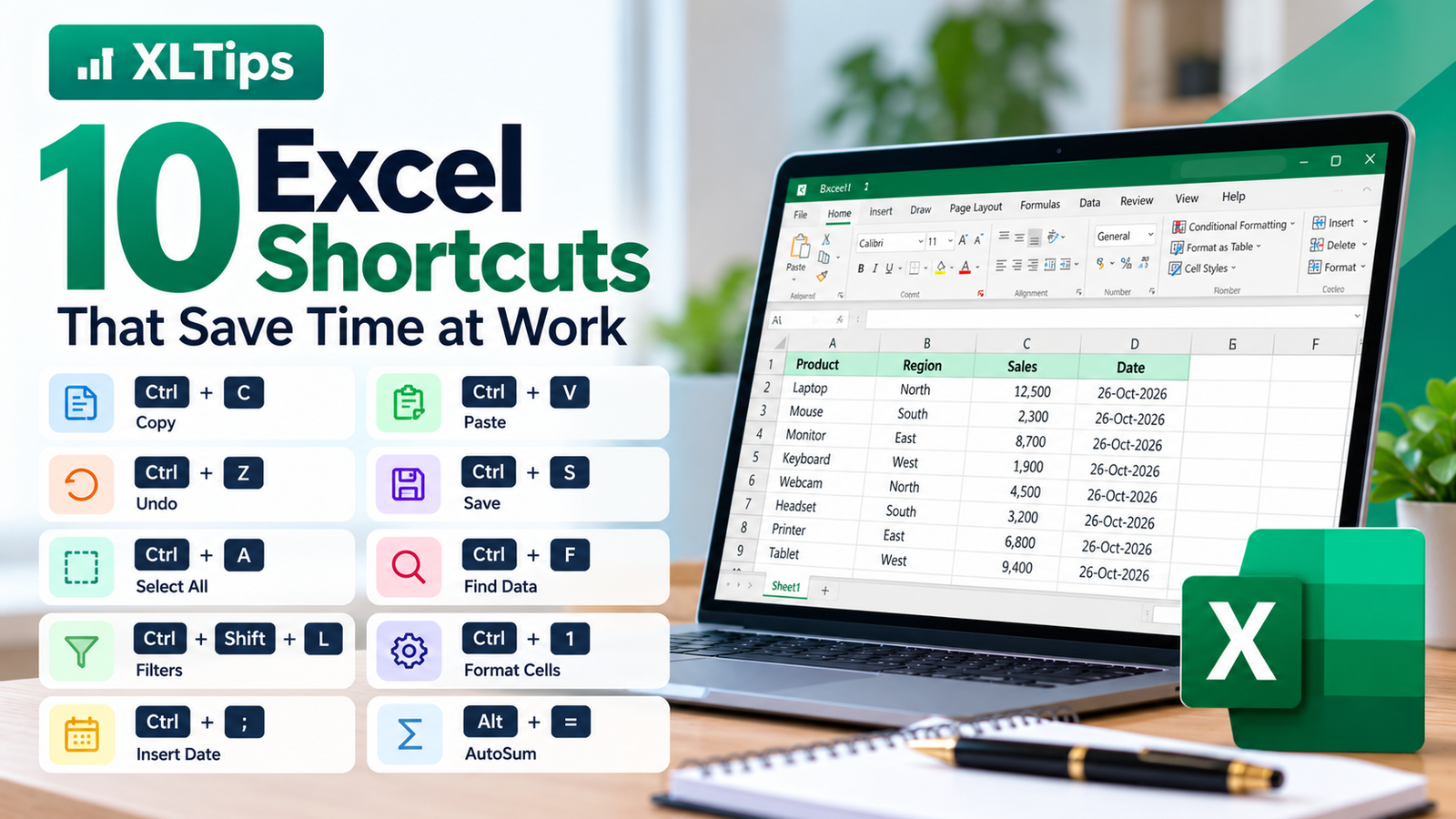
10 Excel Shortcuts That Save Time at Work
Do you spend too much time working in Excel? Keyboard shortcuts can help you complete everyday tasks faster.
Here are 10 useful shortcuts you can start using today.
1. Copy
Shortcut: Ctrl + C
Copy selected cells or data.
2. Paste
Shortcut: Ctrl + V
Paste copied data into another location.
3. Undo
Shortcut: Ctrl + Z
Reverse your last action.
4. Save
Shortcut: Ctrl + S
Save your workbook and protect your work from being lost.
5. Select All
Shortcut: Ctrl + A
Select the current data region or worksheet content, depending on the active cell and context.
6. Find Data
Shortcut: Ctrl + F
Quickly find a name, number, or word in your worksheet.
7. Apply Filters
Shortcut: Ctrl + Shift + L
Turn filters on or off for a data range.
8. Format Cells
Shortcut: Ctrl + 1
Open the Format Cells window to change number formats, borders, alignment, and more.
9. Insert Current Date
Shortcut: Ctrl + ;
Insert today's date as a fixed value into the selected cell.
10. AutoSum
Shortcut: Alt + =
Quickly insert a SUM formula to total nearby numbers.
Conclusion
You don't need to learn hundreds of Excel shortcuts at once. Start with these 10 and practise them during your daily work.
Using shortcuts regularly can save time and make Excel easier to use.
Learn practical Excel skills with XLTips and work smarter every day!