
Corporate Finance & FP&A
·
2 MIN READ
·
October 26, 2026
How to Create a Personal Budget in Excel
Ha
Harshad Patel
Chief Academic Officer & Master Financial Modeler
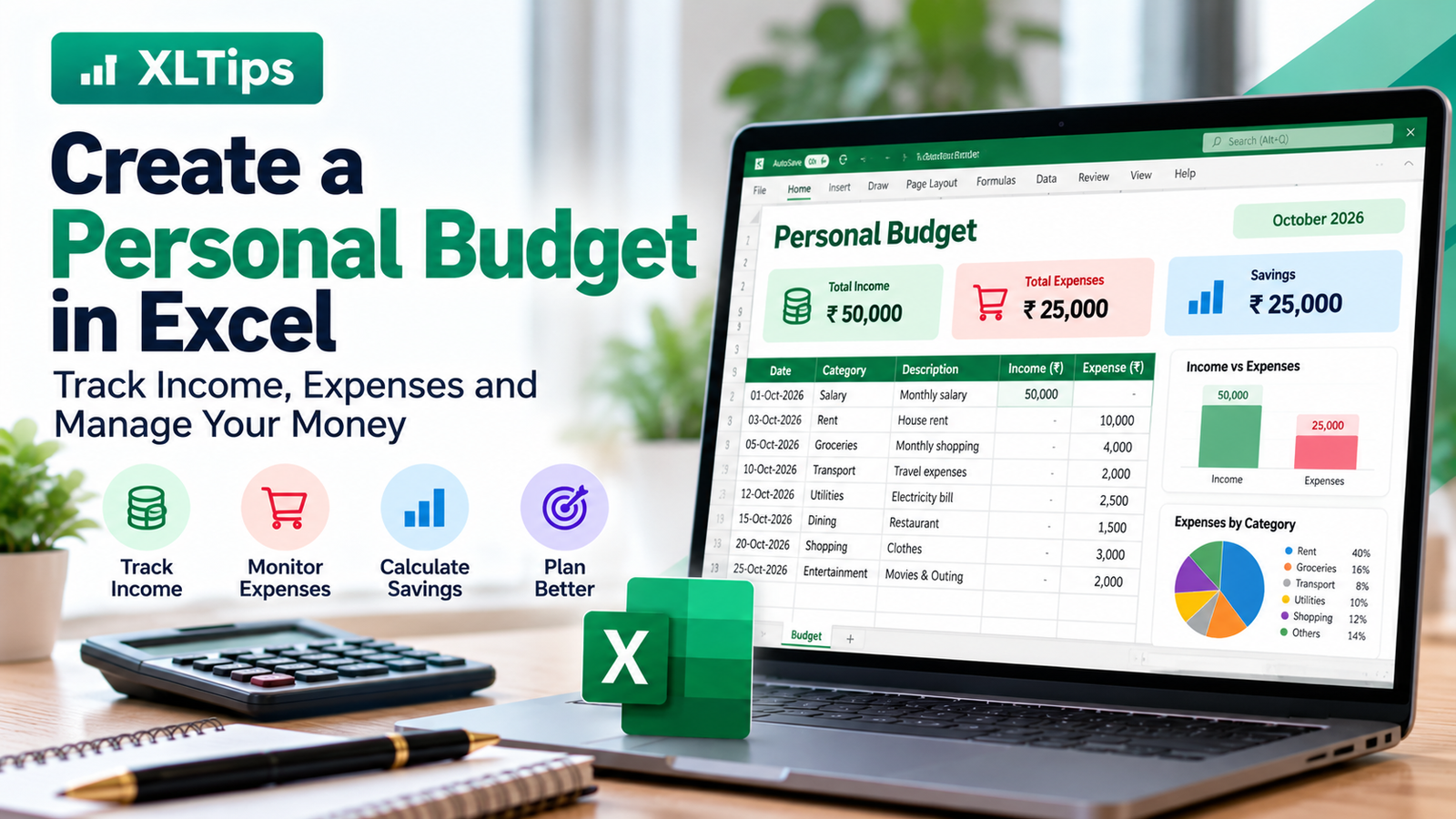
How to Create a Personal Budget in Excel
Managing money becomes easier when you know how much you earn, spend, and save each month.
Microsoft Excel can help you create a simple budget without needing expensive software.
1. Create Your Budget Table
Open Excel and create these columns:
Date
Category
Description
Income
Expense
01-Oct-2026
Salary
Monthly salary
50,000
0
03-Oct-2026
Rent
House rent
0
10,000
05-Oct-2026
Groceries
Monthly shopping
0
4,000
10-Oct-2026
Transport
Travel expenses
0
2,000
Enter your own income and expenses in the table.
2. Calculate Total Income
Use the SUM formula to calculate your total income.
=SUM(D2:D100)
This adds all the amounts in the Income column.
3. Calculate Total Expenses
Use this formula:
=SUM(E2:E100)
This calculates your total expenses.
4. Calculate Your Savings
Subtract your expenses from your income.
=SUM(D2:D100)-SUM(E2:E100)
If your income is ₹50,000 and your expenses are ₹25,000, your remaining balance is ₹25,000.
5. Track Expenses by Category
You can use SUMIF to calculate expenses for a particular category.
For example, to calculate total grocery expenses:
=SUMIF(B2:B100,"Groceries",E2:E100)
You can use the same formula for rent, travel, shopping, and other categories.
6. Make Your Budget Easy to Read
Use these simple formatting tips:
Bold the column headings.
Format amounts as currency.
Use filters to find specific expenses.
Highlight high expenses using Conditional Formatting.
Create a monthly summary at the top of the worksheet.
7. Review Your Budget Every Month
At the end of each month, check:
How much did you earn?
How much did you spend?
Which category cost the most?
How much money did you save?
Where can you reduce unnecessary expenses?
Regular reviews help you understand your spending habits.
Conclusion
Excel makes personal budgeting simple and flexible. With a basic table and a few formulas, you can track your income, control expenses, and calculate your savings.
Start with a small budget and update it regularly.
Learn practical Excel skills with XLTips and take control of your numbers!